
eVA for Standard Users – “Standard Users” can create guest eduroam accounts for individual visitors. You must first receive permission to be a “Standard User” from your organisation’s eVA Administrator.
eVA Portal Sign-in
Sign-in to the eVA Portal:
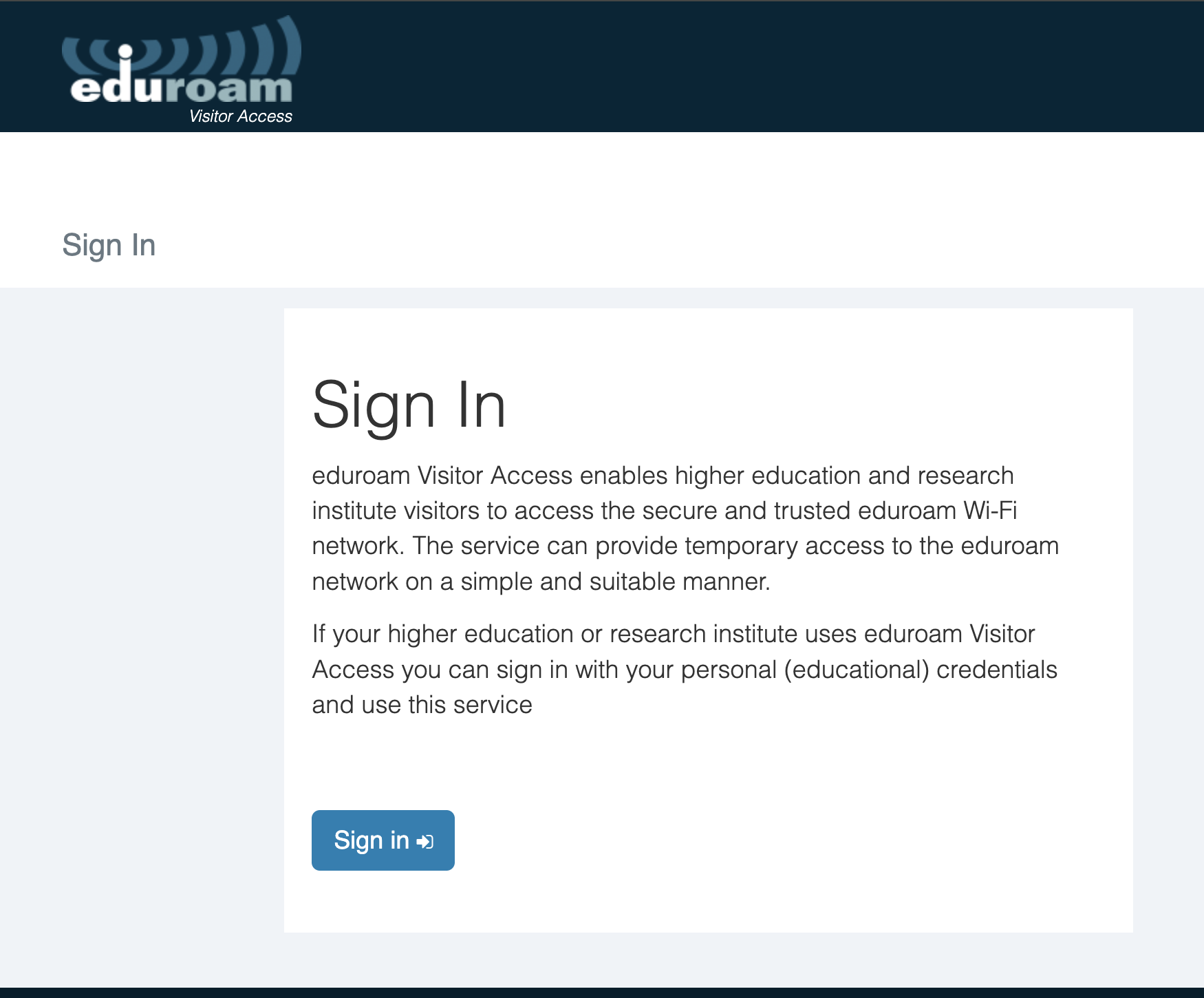
Step 1: Go to: https://eva.eduroam.nz and click Sign in.
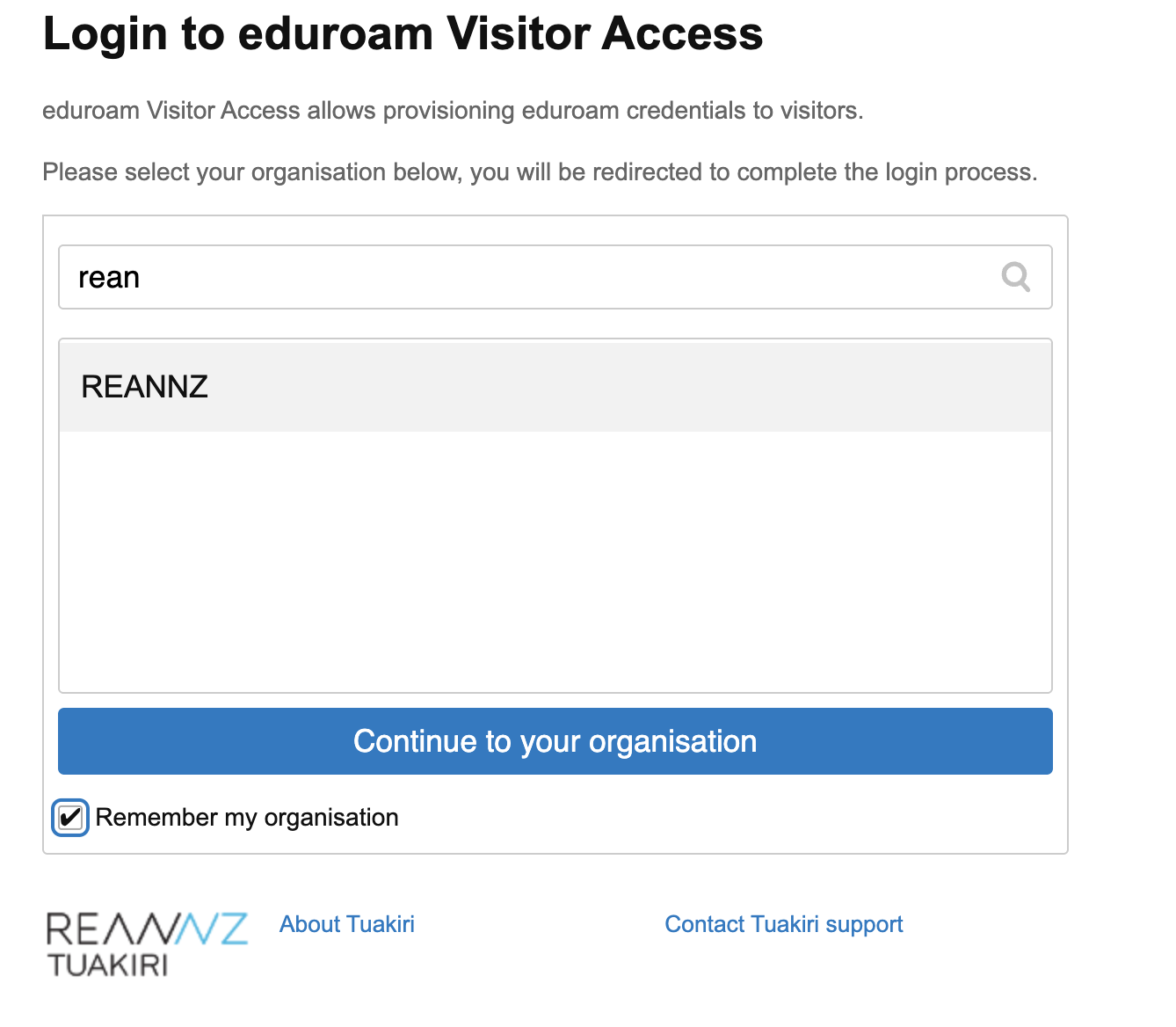
Step 2: Select (or search for) your organisation (Identity Provider) and sign in with the username and password you use for your organisation. If your organisation is not shown, contact your IT help desk.
Create an eduroam Visitor Access Account
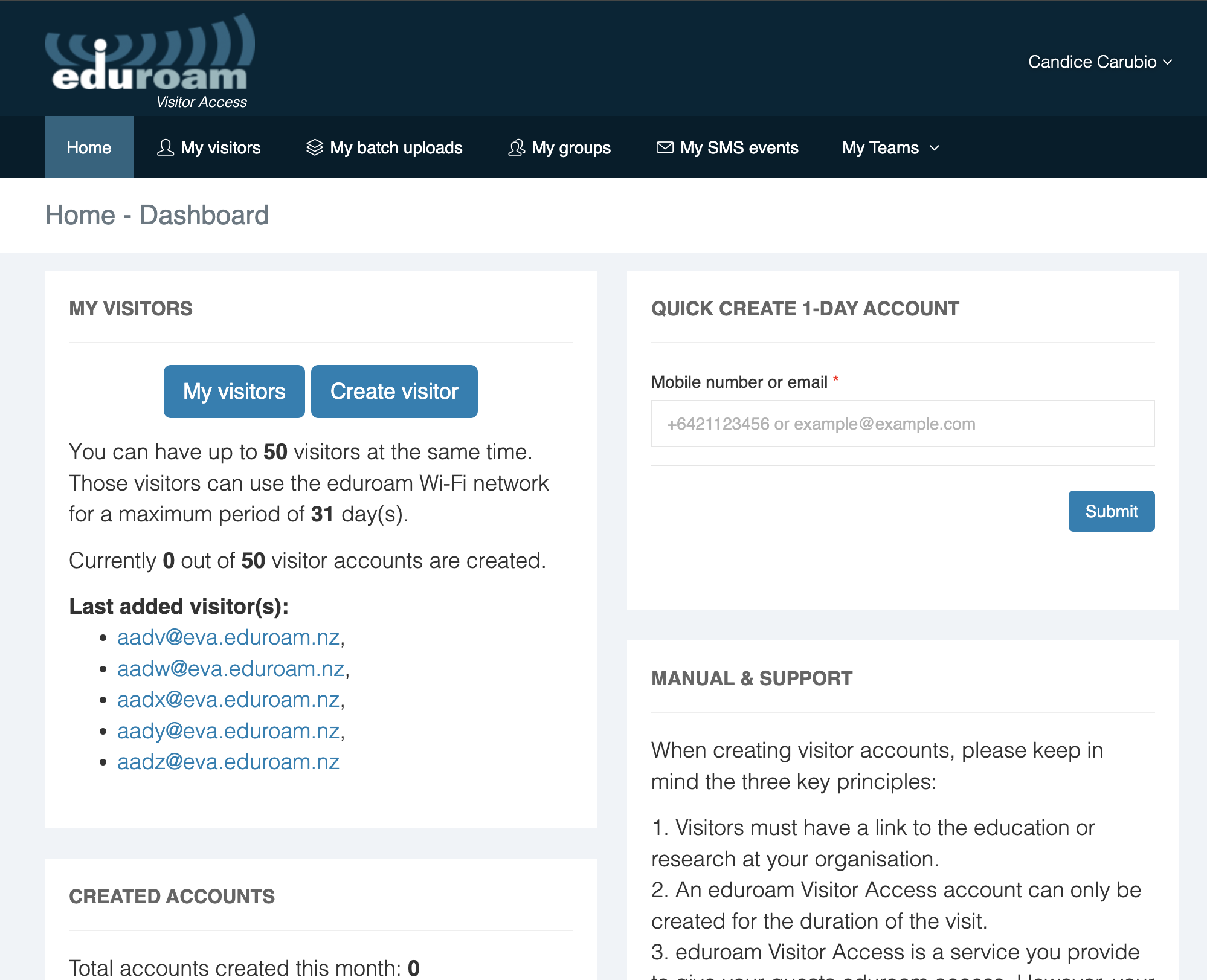
Step 1: From the Home tab, click Create Visitor
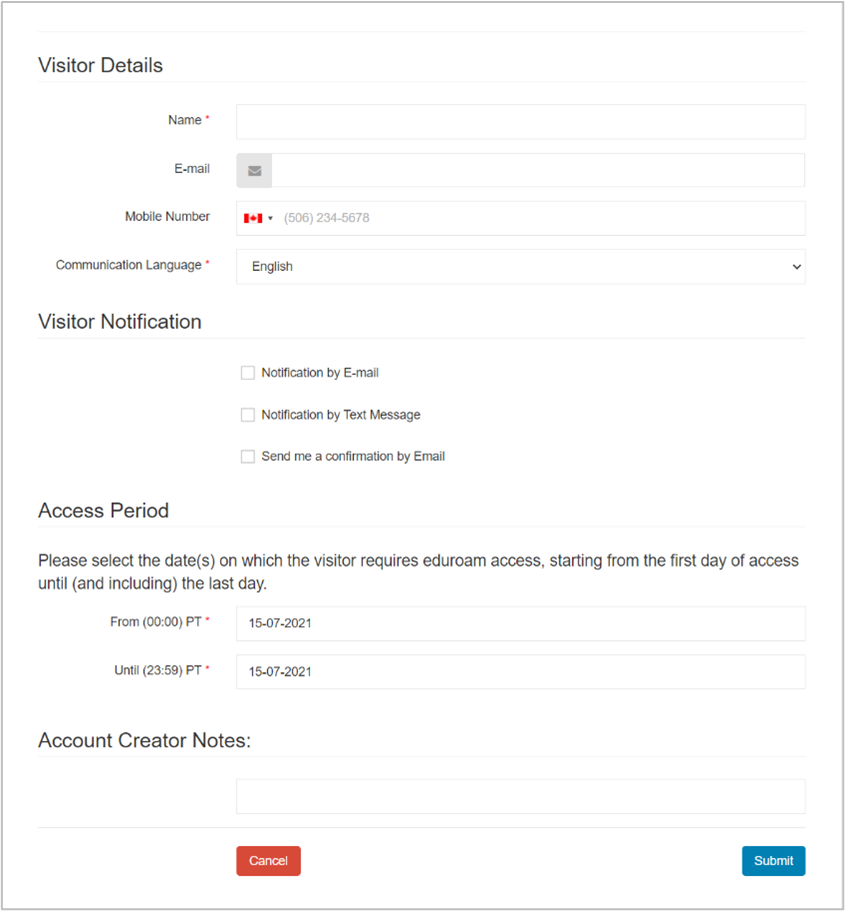
Step 2: Fill out the form and click Submit
*Mandatory fields:
-
Name
-
E-mail Address or Mobile phone number
-
Access Period (start and end date for eduroam access)
The following confirmation page will appear once the account has been successfully created and the notification has been sent:
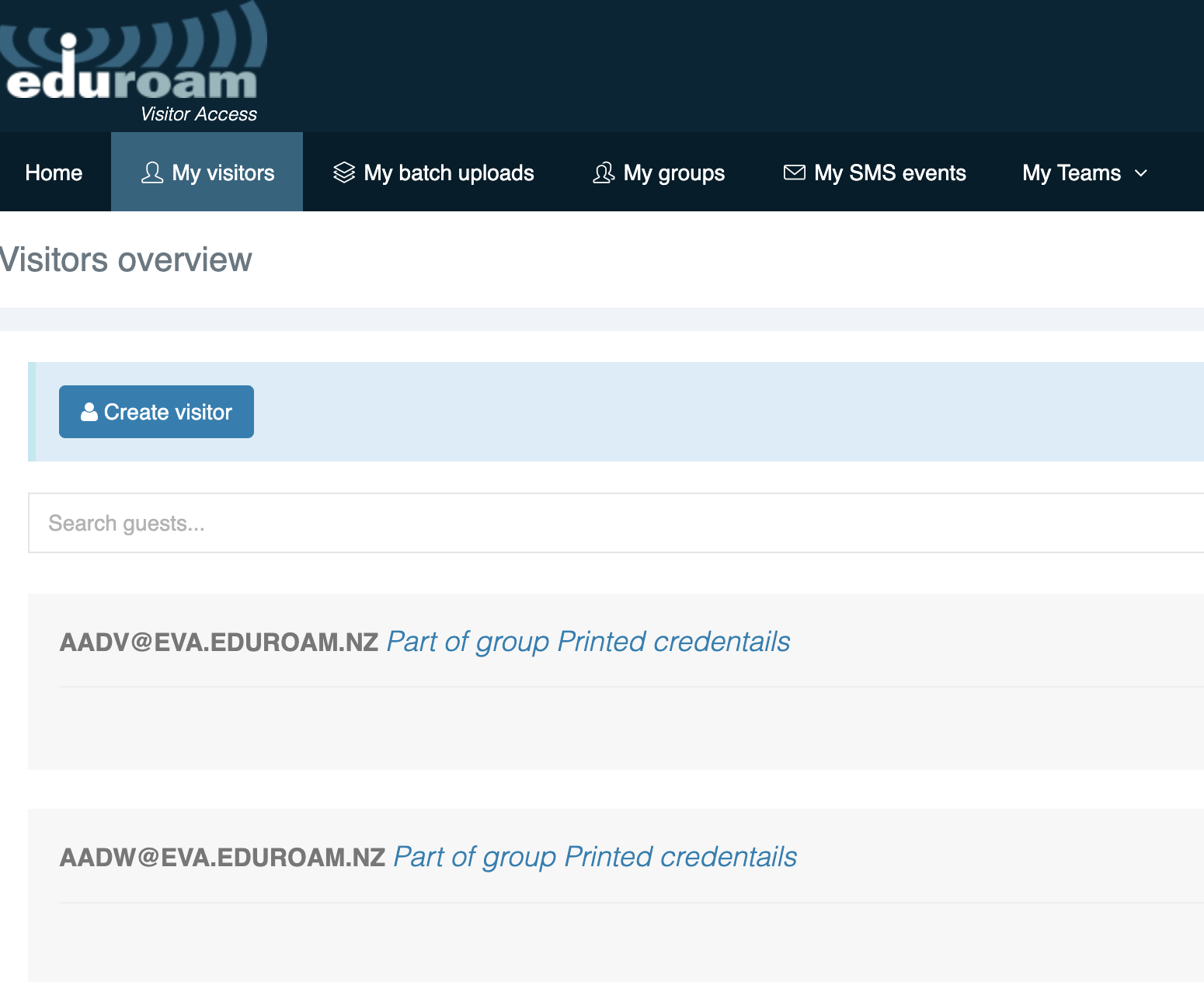
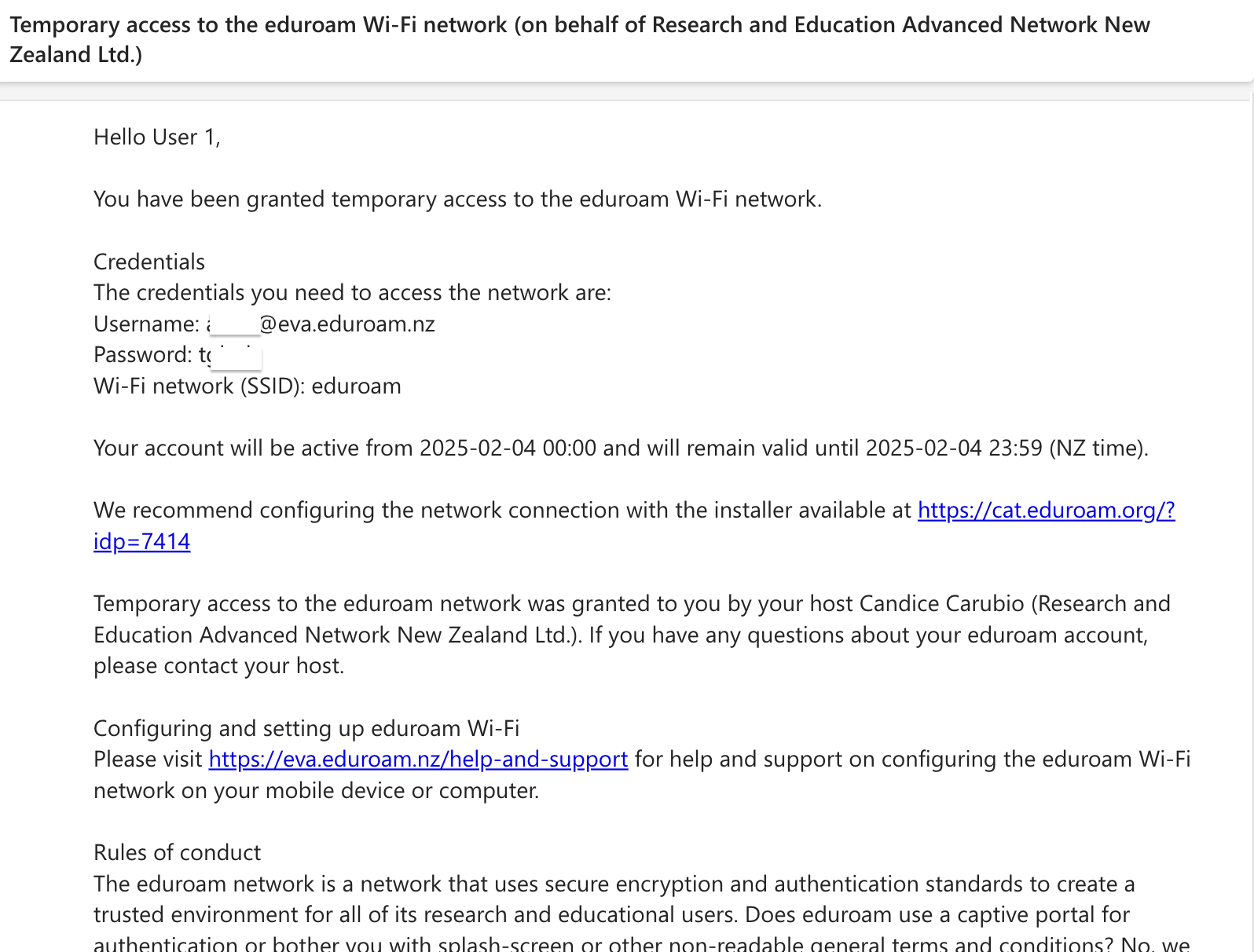
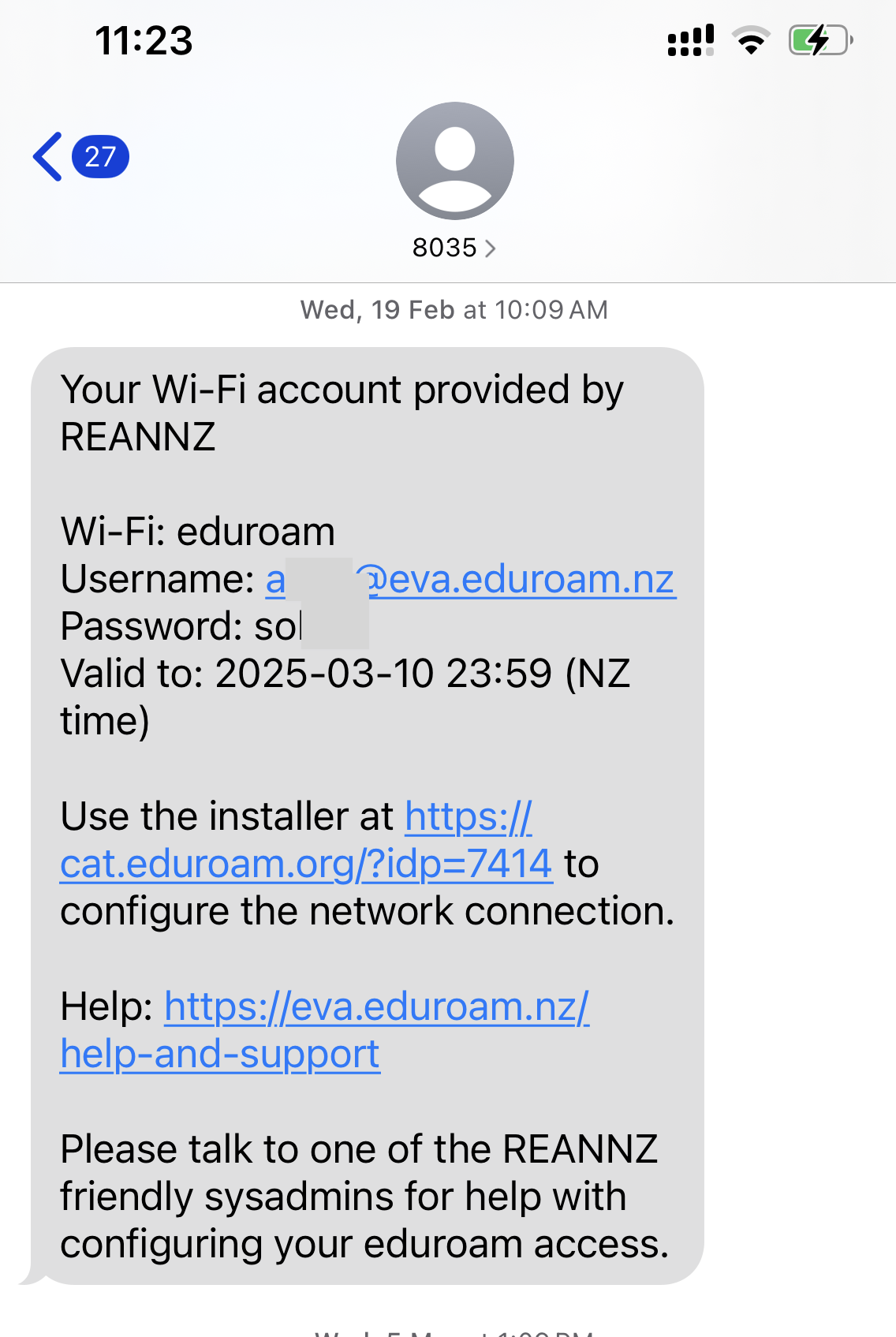
Your visitors will receive a notification upon creation of their eVA account, either by email, SMS or both (depending on the option you selected).
|
Sample Email |
Sample Text Message |
|
|
Edit and Delete eVA Accounts
eVA accounts expire after their end date. They will be automatically de-provisioned and will no longer be usable. You can, however, manually edit or prematurely terminate accounts or batch uploads.
Termination can be useful if one or more visitors are leaving sooner than expected.
Manually Editing or Deleting an Account
Step 1: From the Dashboard, click My Visitors. The visitor accounts you have created will be displayed.
Step 2: Select the visitor account and click the Edit or Delete button (see arrow below).
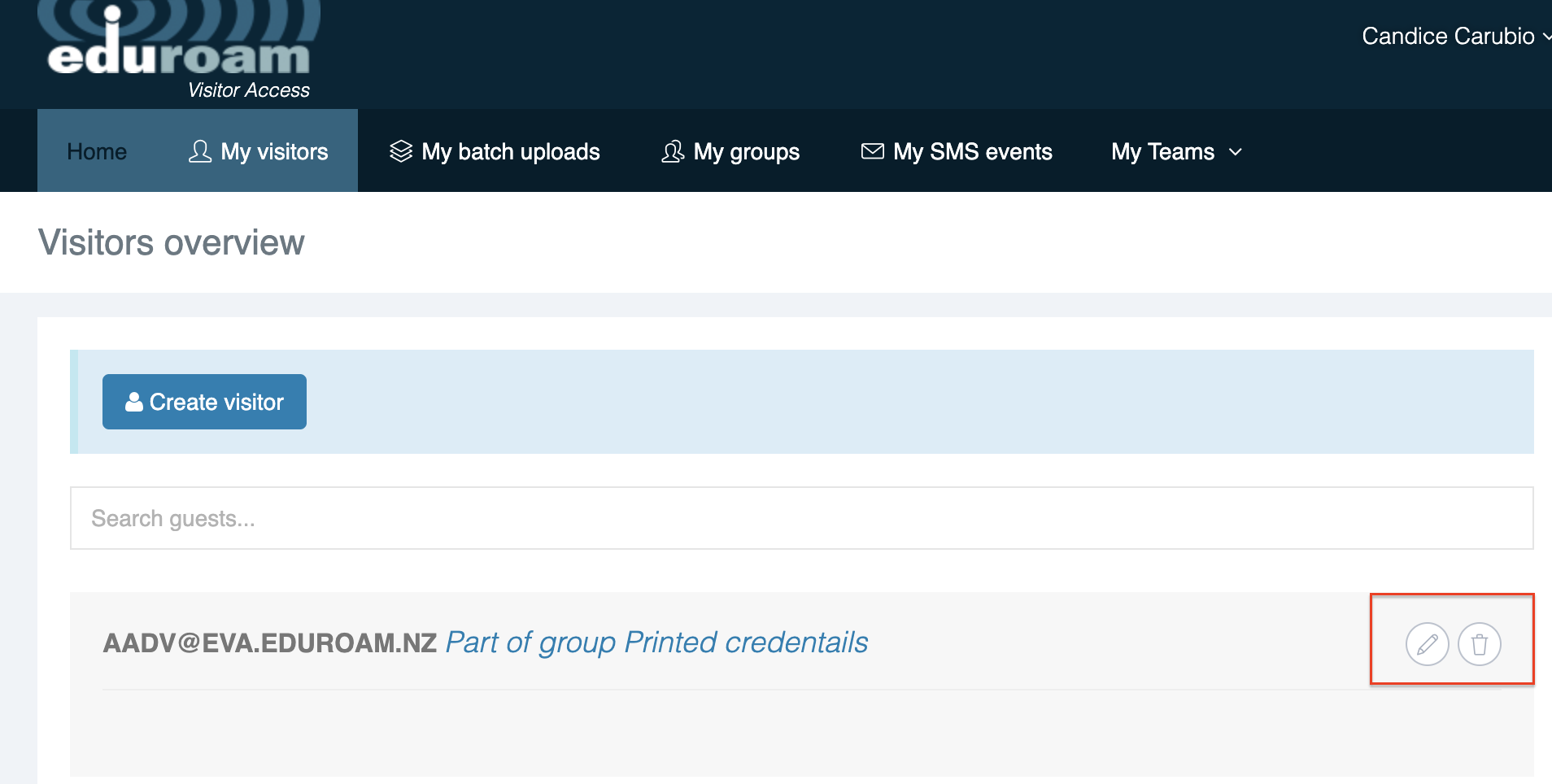
Please note that you will not be able to modify the email address, mobile number, or notification method on a previously created visitor account. If these fields must be changed, you must delete that visitor account and create a new one.