
eVA Global Administrators can view all visitor accounts for their own organisation; however, editing and deleting visitor accounts can only be done by CERT members or by the users that created the visitor accounts.
In the main menu, click on Admin > All visitors to view an overview of all visitor accounts (including “Future”, “Active”, “Ended” and “Expired” accounts).
In the main menu, click on CERT > All Visitors.
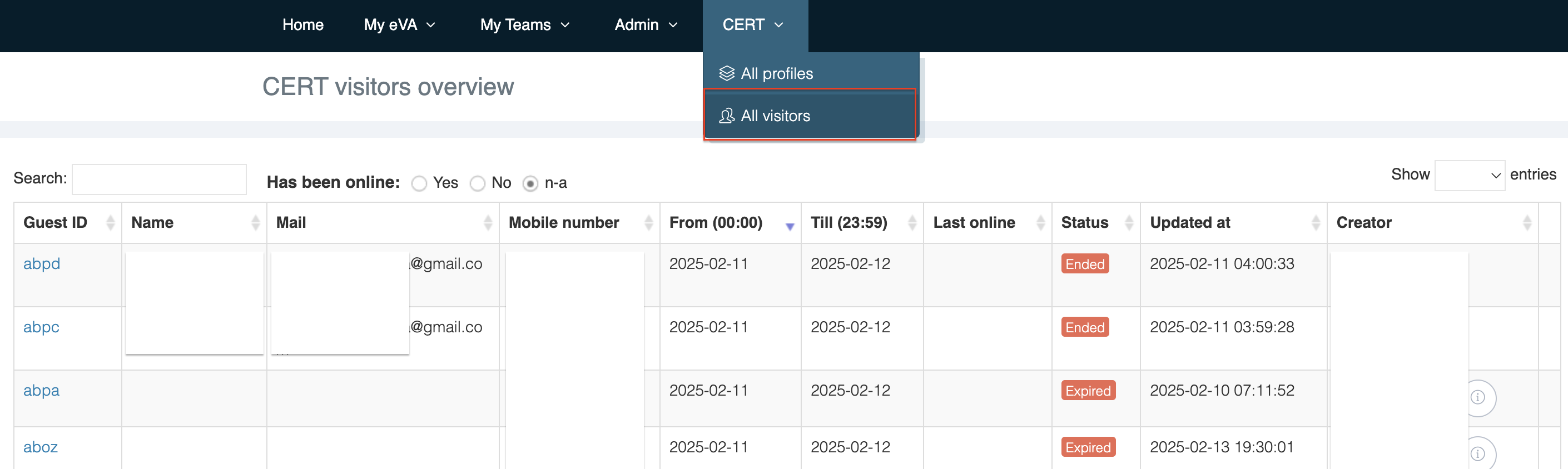
You have the following options:
-
Search for accounts.
-
Edit account (click on the link in the “Visitor ID” column).
-
Click on
