
This can be utilised by Staff who were granted access to by the Organisation Administrator to provide individual guest credential. Standard Users or Staff can create credentials in the portal using Create Visitor or Quick Create 1-Day account.
-
Create Visitor - host can specify the validity of the duration
-
Quick Create 1-Day account - automatically set the validity of duration to 1 day.
The advantage of using this option is that the host can simply go to the eVA portal and generate the credential by supplying the name or email of their visitor. The visitor will instantly receive it .
Steps to Create and Manage an eVA Visitor Account
Go to eva.eduroam.nz
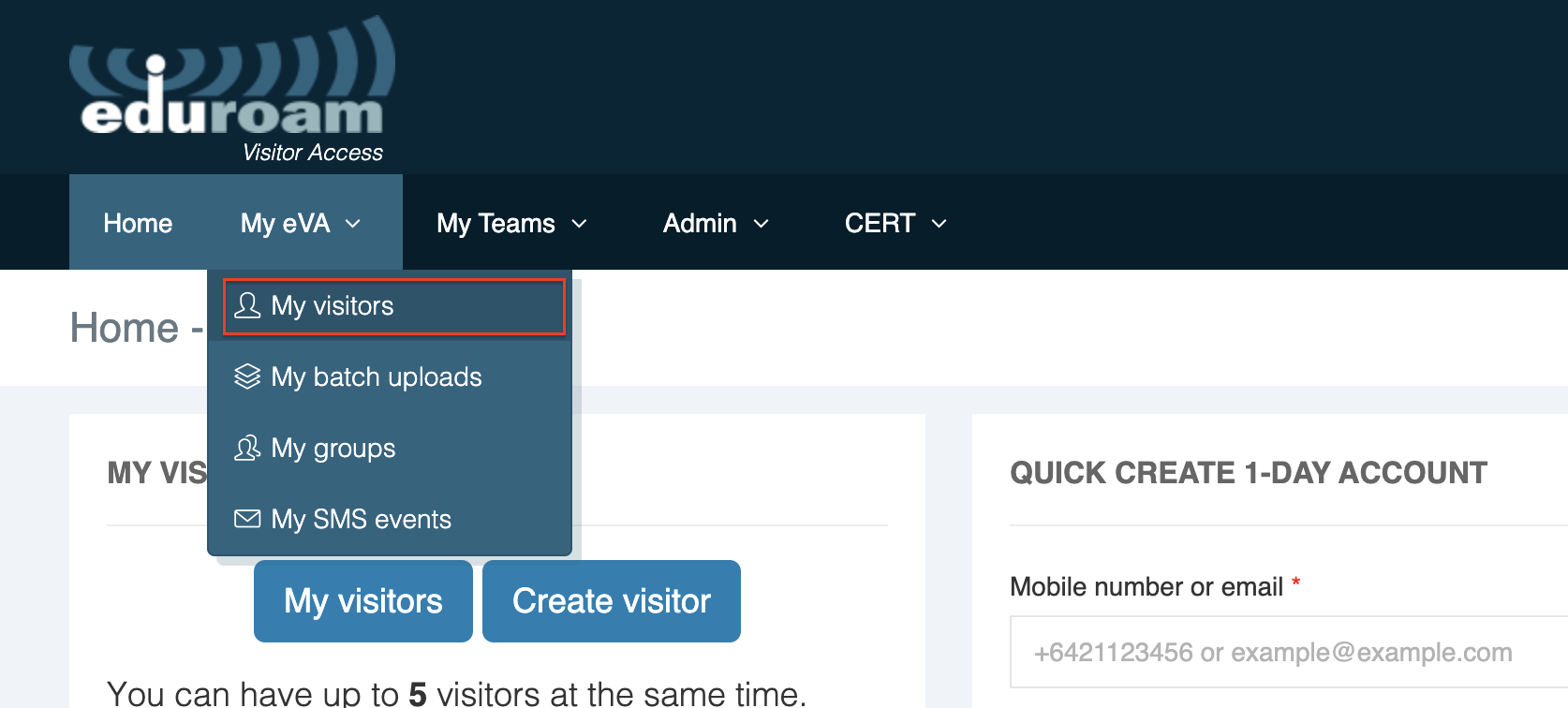
Step 1: From the My eVA drop-down menu, click My Visitors and click Create Visitor
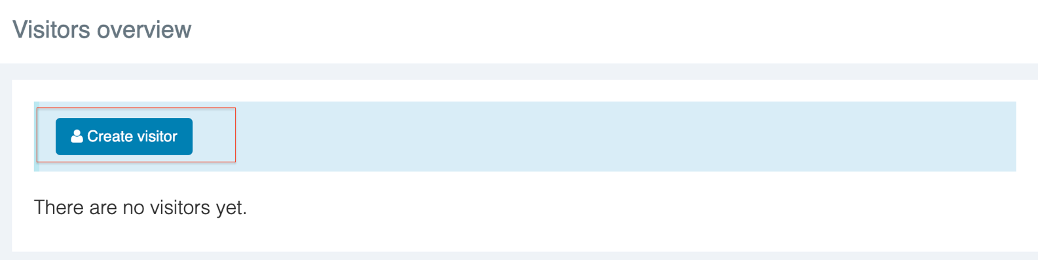
STEP 2: Fill out the fields in the Create Visitor form (see descriptions below)
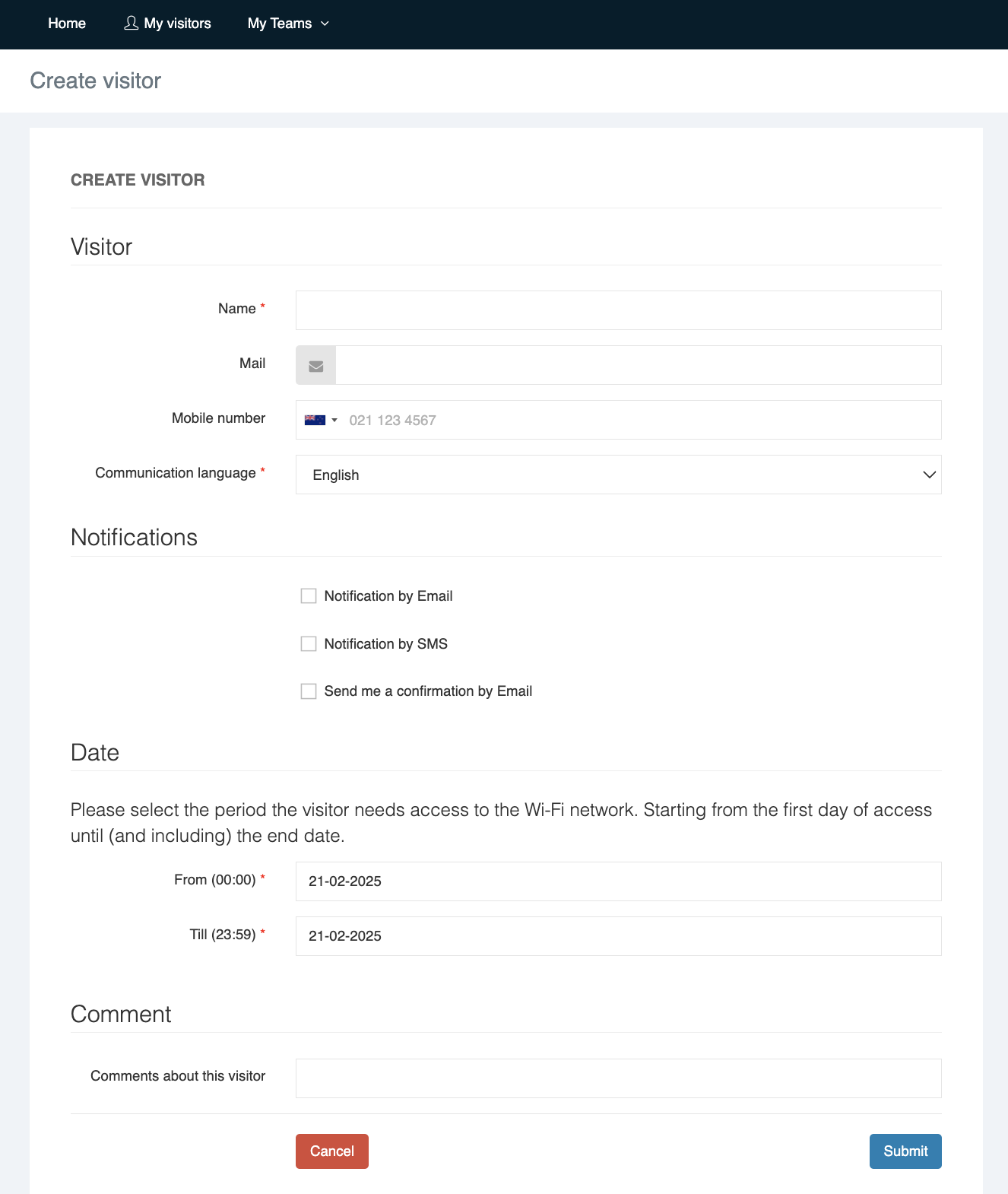
Step 3: Submit the form. You will see the submission on the portal once it has been successfully created.
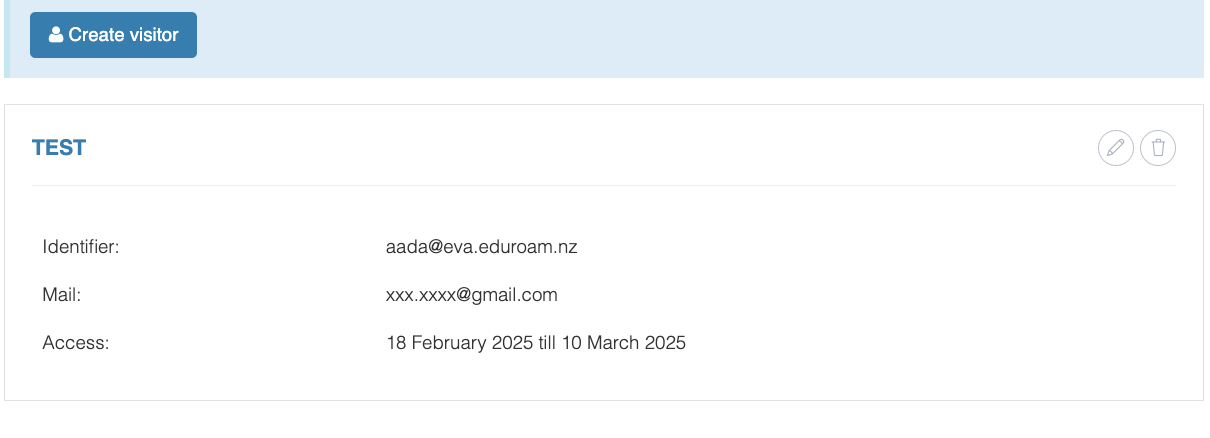
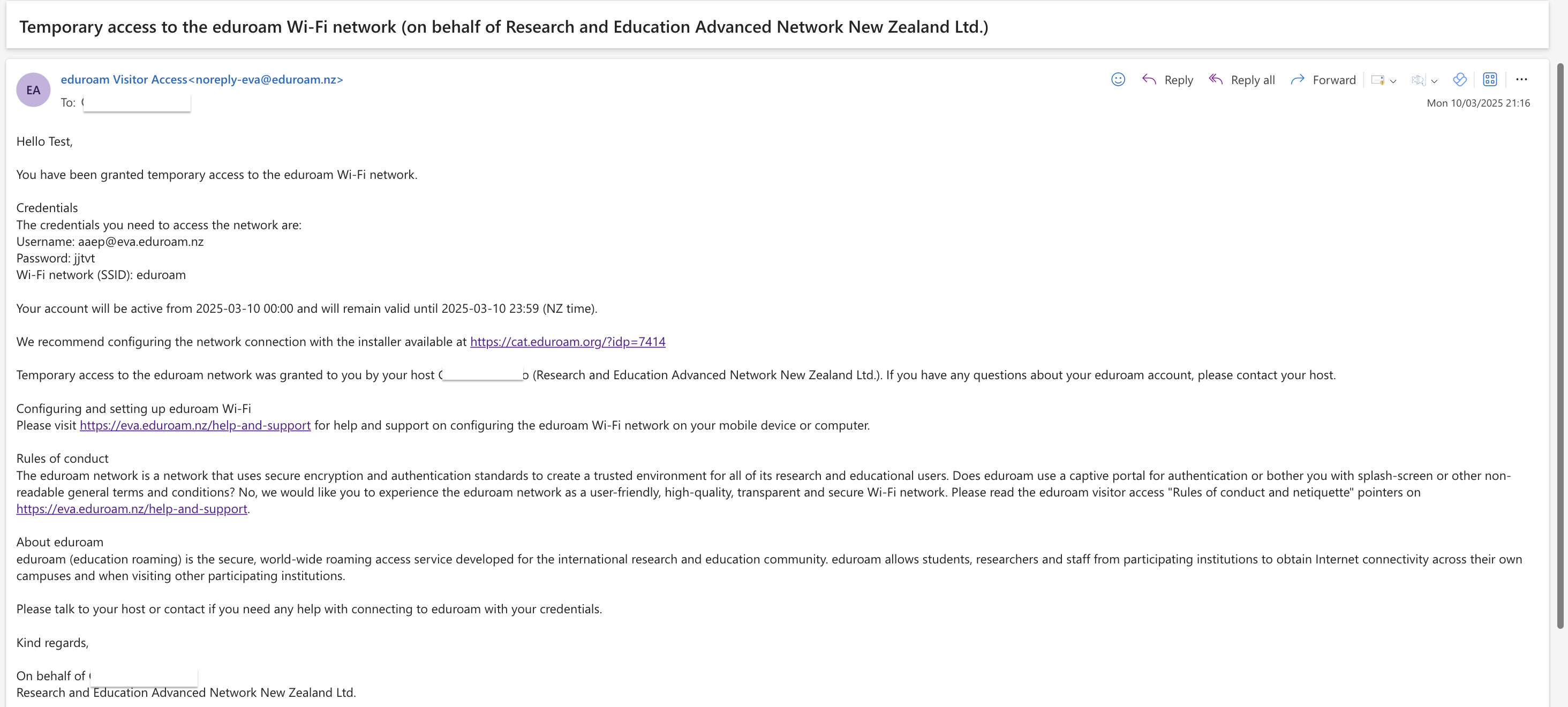
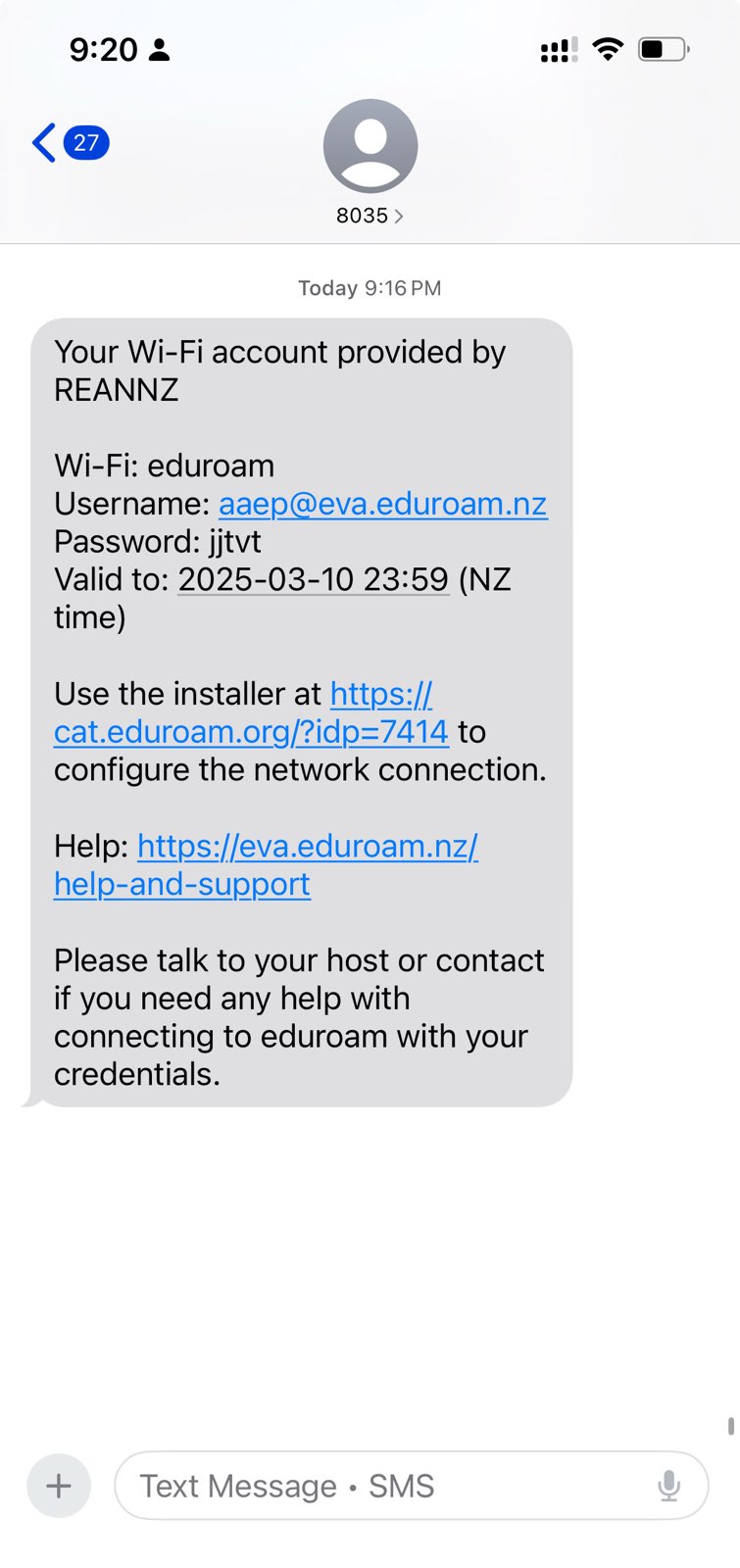
The visitor will receive an email with the account and password details, including links to rules of conduct, the name of the host who granted the visitor with access and the duration when the temporary account will be active.
Email Confirmation
Phone Confirmation
The visitor can follow the How to Connect to Wi-Fi using eVA credentials.