As an organisation administrator or host who granted your visitor access to eduroam, you may extend the duration of the credentials if it has expired.
-
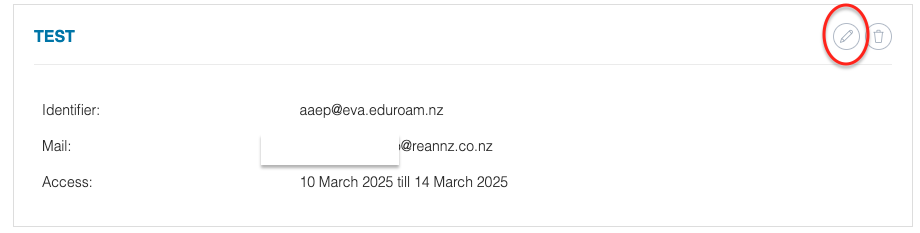
Go to the the account credentials and edit the actual profile.
-
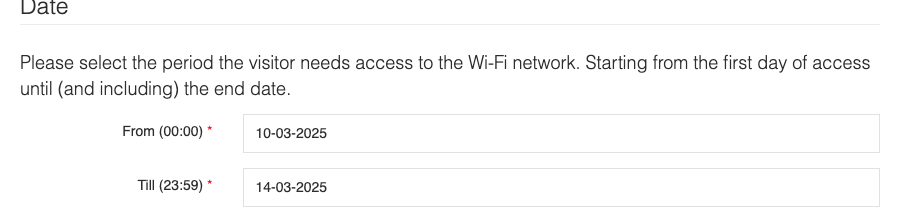
Adjust the date when you want your visitor to continue accessing the Wi-Fi.
-
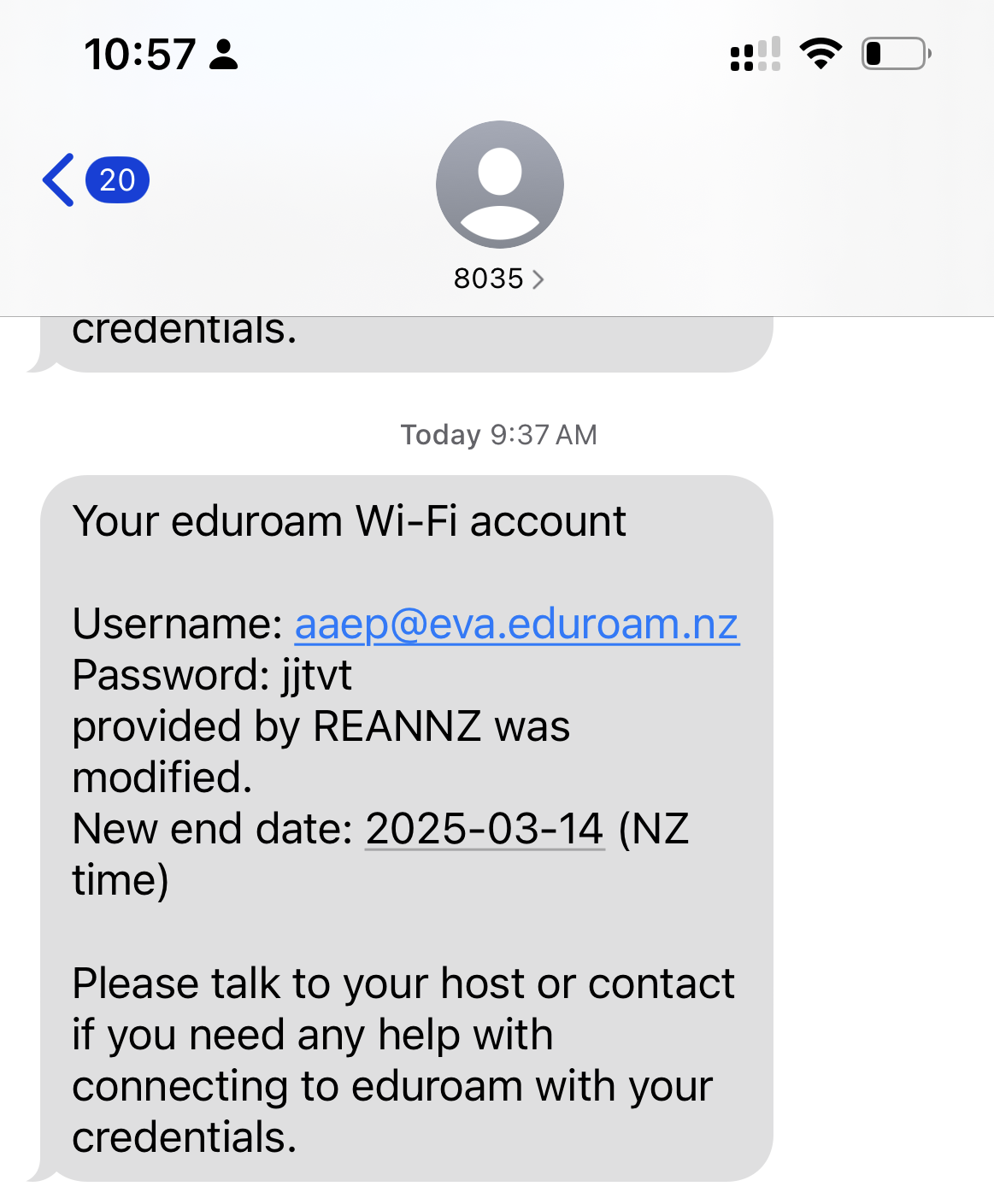
Once you click on Submit, your visitor will receive a confirmation that the access has been extended either through email or SMS ( whichever was chosen when your account was setup)
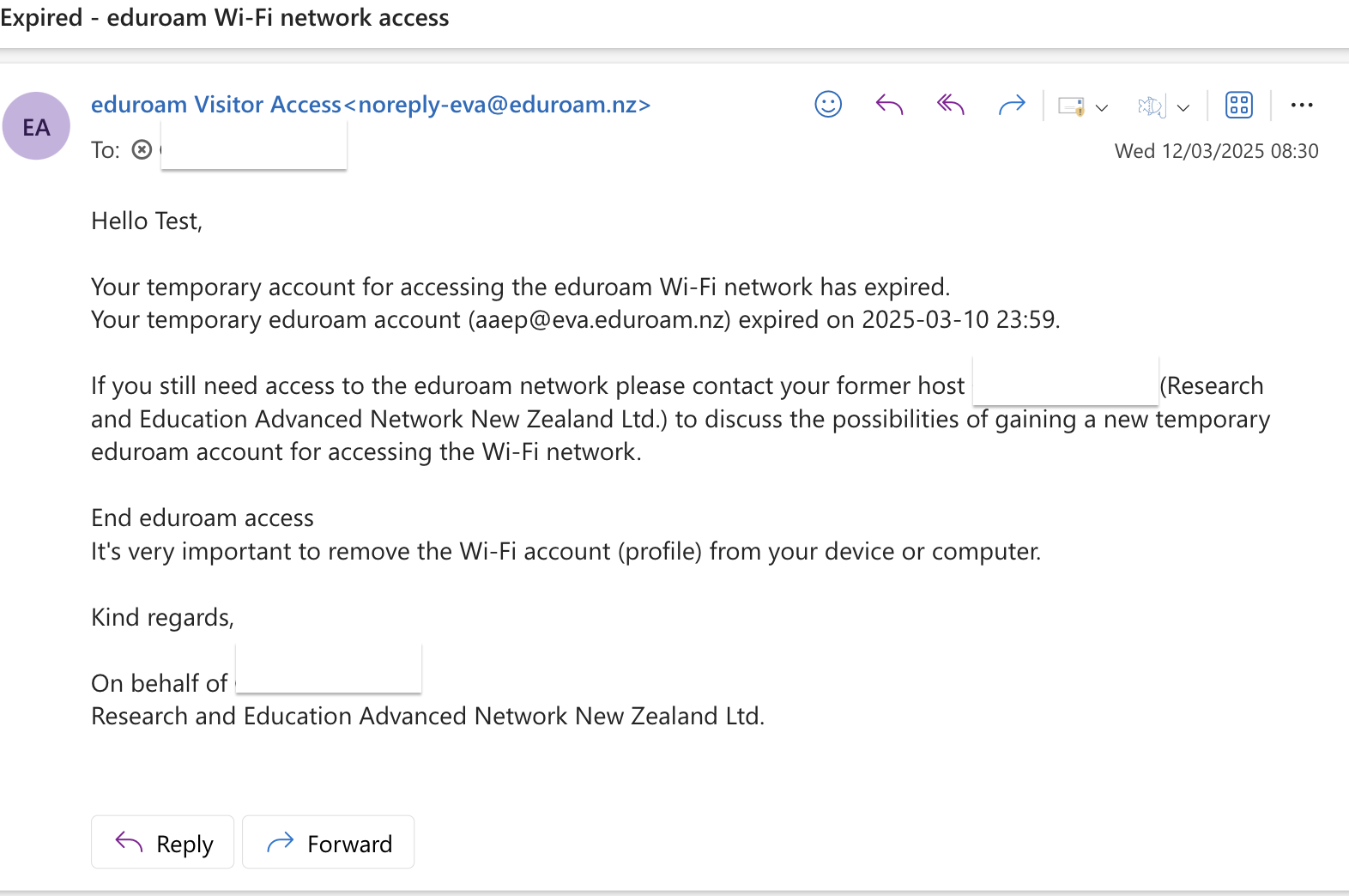
Email notification
SMS notification