Clear logs
To remove all transfer logs from the FileSender system:
-
Log in to FileSender in a web browser.
-
Click My Profile in the top navigation menu.
-
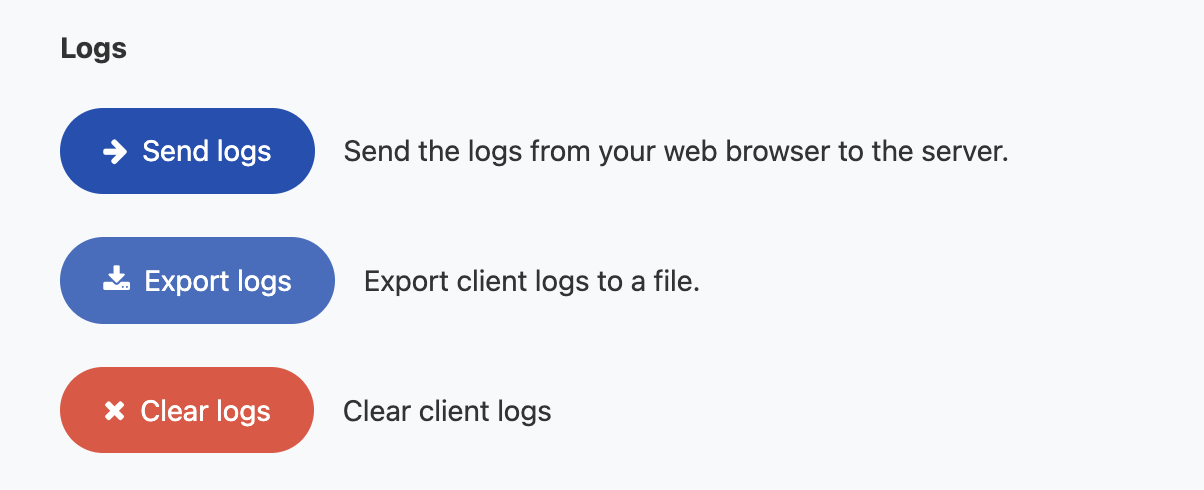
Scroll down to Logs under Actions.
-
Click Clear logs.
You may also export client logs to a file and send the logs from your browser to the server from this page.